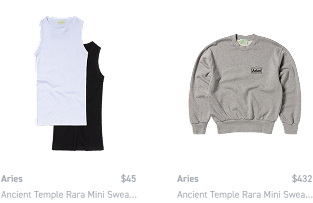
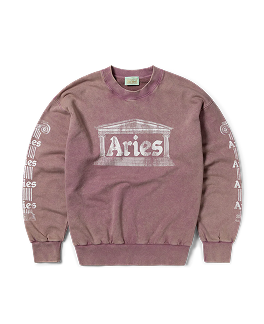
Tryora — the visual tool that turns browsing into buying

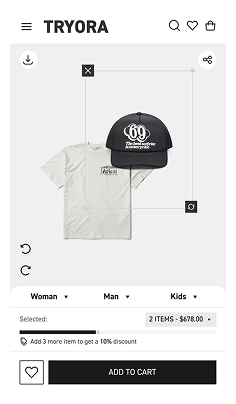
Shoppers build outfits from your catalog. They drag, match, and style — then buy the whole look in one click. You get higher AOV, longer sessions, and zero-friction data on what sells.

Let your customers create!
Looks they love.
Carts that convert.

More Revenue

+15–30% AOV growth from complete look purchases — no discounts needed

Smart Analytics

Track what gets styled, saved, and bought — in real time

Better Merchandising

See how users naturally combine items — and what drives actual sales

Style Solutions

Help shoppers answer “how do I wear this?” with ready-to-buy outfits

Built-in UGC

Every look = content you can retarget, repost & measure

Tool for Stylists

Let pros create lookbooks & capsules from your catalog

1-Day Setup

No devs. Just a product feed + 1 line of code

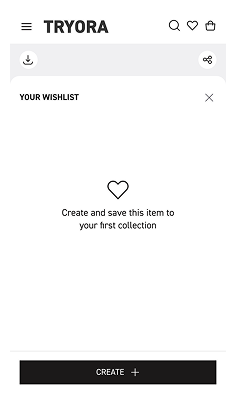
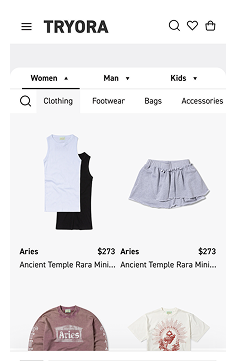
Mobile-First UX

Sleek drag & drop canvas that drives engagement

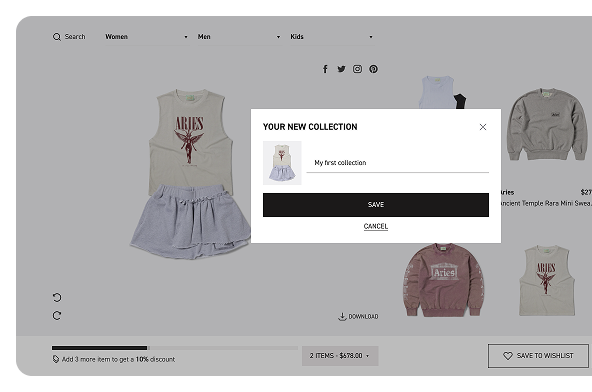
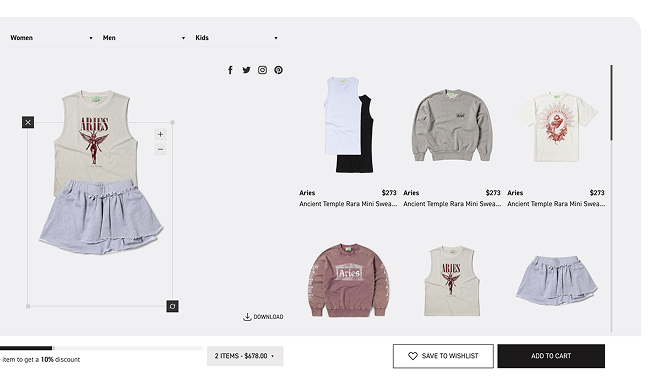
How Tryora looks on your site

/ 01

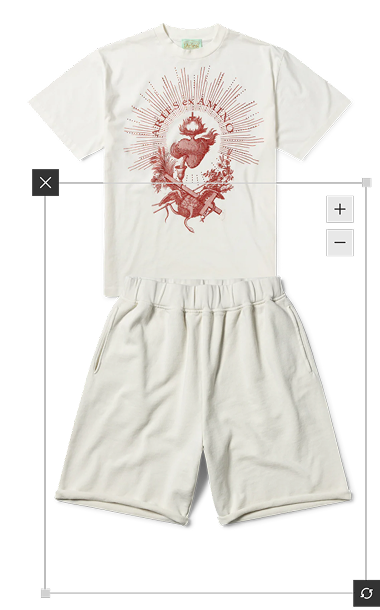
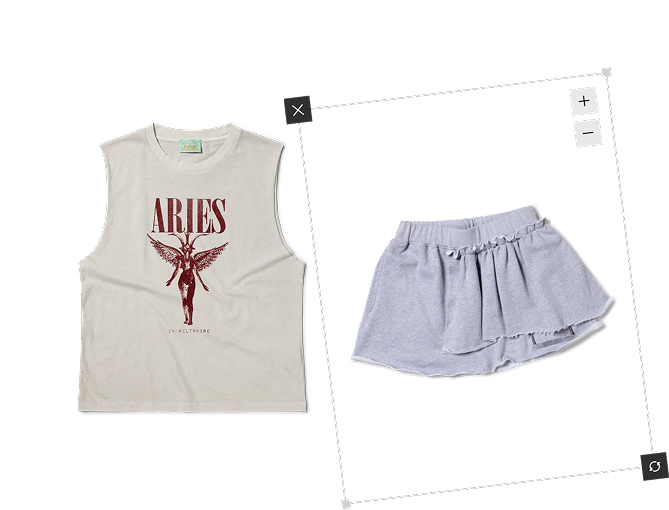
A drag & drop canvas to create complete looks

/ 02

One-click
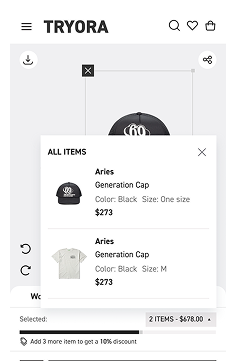
“Add all to cart” button

/ 03

Fits seamlessly into product or category pages

/ 04

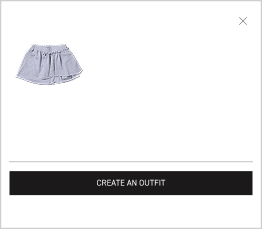
Connected to your catalog via product feed

 / 05

Shareable boards for Instagram, TikTok, Pinterest

/ 06

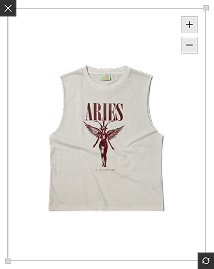
Background removal built-in — clean display on canvas

This isn’t “just a cool widget.” This is:

+15–30% lift in average order value

+40–100% longer sessions

Behavioral data: what gets styled, saved, bought

Trackable conversion from board to checkout

Shareable UGC from your site — not social media

One-day setup. No devs. No mess.

You don’t need a tech team or custom CMS work. Here’s all we need:

We take care of the rest. You go live within 24 hours.

Who uses Tryora

eCom teams who want real growth, fast

Marketers done with discounts, in need of engagement

Brands that sell full looks, not isolated SKUs

Stores where merchandisers & stylists work as one

Numbers that speak

-18%

bounce rate

1,350

looks created in 30 days

+32%

higher CTR with our buttons

+22%

higher AOV after one month

Top-sellers

styled items become

Pricing

Simple & transparent: you only pay for PV (page views) of the Tryora canvas. PV = the number of views of our canvas widget (not the whole page).

* Enterprise — 1M+ PV: custom (advanced integrations, SLAs).

How we count PV

Fair use: there’s a +15% grace above your plan limit without auto-upgrade — we’ll just notify you.

FAQ

What is PV?
Fair use: there’s a +15% grace above your plan limit without auto-upgrade — we’ll just notify you.
How is PV different from “site traffic”?
Page Views (PV) measure the total number of times a page is viewed, while site traffic includes all user interactions, such as clicks, sessions, or unique visitors, across the entire website.
Which plan should I choose?
Choose a plan based on your needs: Starter for small sites with low traffic, Pro for growing businesses, or Enterprise for high-traffic sites with advanced features. Check our pricing for details.

Try Tryora, no strings attached

Go live in a day. Track results from week one. Let your customers create — and watch what happens.

Book your Demo